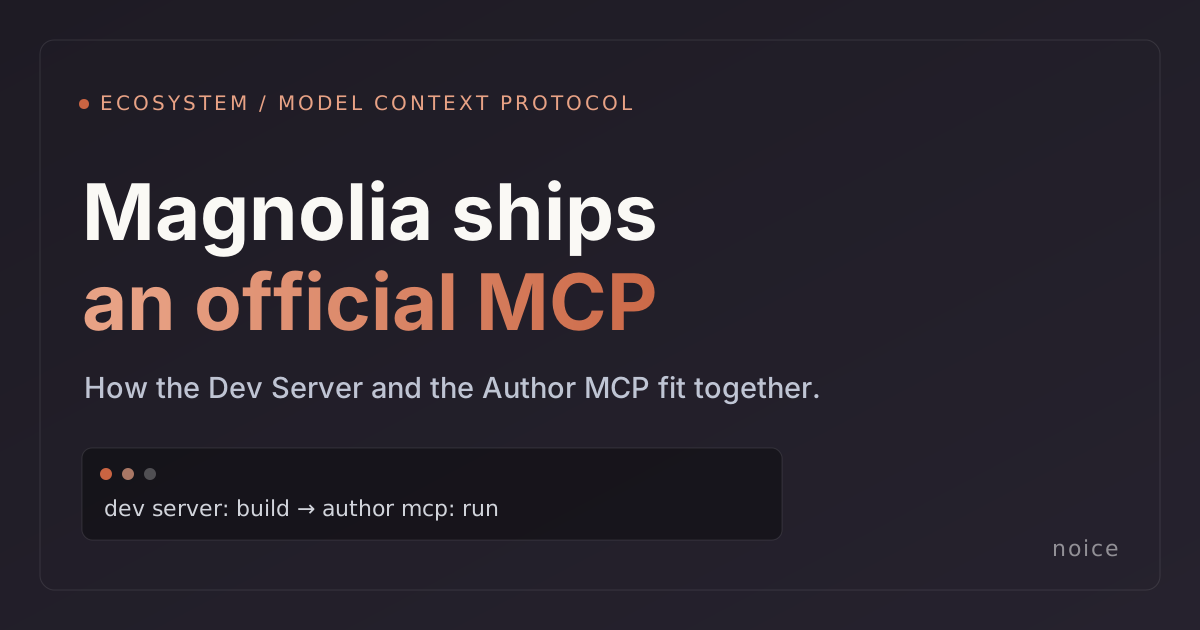
Magnolia has released its own AI tooling: the Magnolia MCP Dev Server, an AI-powered development toolkit built on the Model Context Protocol. It is currently in beta. For anyone watching where CMS and AI meet, this is a notable moment: the platform vendor has put its weight behind the same approach we have been building on as a Magnolia Platinum Partner.
It also raises a fair question for anyone who saw our Magnolia Author MCP launch last week: are these the same thing? They are not. They sit at different points in the build, and they work well together. Here is the map.
What Magnolia shipped
The Magnolia MCP Dev Server is a toolkit for developers building Magnolia projects. It gives AI assistants such as Claude, Cursor, and GitHub Copilot direct access to development workflows, and it uses a plugin architecture so you install only the parts you need:
- Scaffolding and code generation. Spin up a new project, generate components and pages, and run Magnolia CLI commands from a prompt.
- Instance API access. Read and write JCR content over REST, run content queries, validate definitions, and render templates against a running instance.
- Design extraction. Pull designs from tools like Figma into Magnolia through companion providers.
- Log monitoring. Watch logs in real time and correlate errors with the actions that caused them.
It is early. The docs mark it beta and advise against production use. But the direction is clear and the breadth is real. This is Magnolia investing in AI-assisted development as a first-class workflow.
Why this matters
A year ago, "use AI to work in your CMS" was a pitch you had to argue for. Now the platform itself ships an MCP server. That is the strongest possible signal that this is where enterprise CMS is heading, not a side experiment.
We are glad to see it, because it is the bet we made. We have argued that the next generation of CMS is generative, and we put code behind that view by open-sourcing the Author MCP. Magnolia's launch validates the category and, frankly, makes our job easier. We no longer have to explain why an AI assistant should be allowed near a CMS at all. The conversation moves on to how, and how safely.
Two tools, two jobs
The simplest way to think about it is build time versus run time.
- The MCP Dev Server is a build-time tool. It helps developers create the project: scaffold the structure, generate components, validate templates, wire up designs. It lives in the developer's editor.
- The Author MCP is a run-time tool. It helps people operate the live site: create, update, verify, and publish real pages on a running Magnolia instance, from a plain-English request. It is aimed at the people who run the site day to day, not only the developers who built it.
One helps you build the thing. The other helps you run the thing. Most teams need both.
Where the Author MCP fits
There is overlap at the edges. Magnolia's API plugin can read and write content for development and validation. But changing content on a production site is a different problem from poking an instance during a build, and it needs a different safety model. That is exactly what the Author MCP is built around:
- Deletions preview what they would remove, and can be undone.
- Every change is recorded, so there is a clear trail of what happened.
- Anything that touches production requires explicit sign-off first.
- Your logins are never exposed to the assistant.
These are the guardrails that make it safe to point an assistant at a live website rather than a local dev instance. And the Author MCP is open source under Apache-2.0 and available now, not in beta, so you can read exactly how those protections work before you trust them.
Use both
If you are building on Magnolia, the two fit naturally into one workflow. Use the MCP Dev Server to scaffold and build the project with AI in your editor. Use the Author MCP to run content on the live site with AI in the hands of your authors and operators, safely. Both speak the same open protocol, and both are open to the community.
This is the same thinking behind our CMS migration tooling: meet teams where the platform is going, and build the production-grade tooling the day-to-day actually needs.
Get started
The Author MCP is free and on GitHub today, with a product overview and full setup guide. If you would like help putting AI to work across both your Magnolia build and run workflows, take a look at our Magnolia CMS services or get in touch.