Introducing the Magnolia Author MCP: open-source AI authoring for Magnolia CMS
We have open-sourced the Magnolia Author MCP, a free tool that lets Claude and other AI assistants create and publish Magnolia pages safely.
Jake Tracey21 June 2026MagnoliaAIMCPOpen SourceDXP
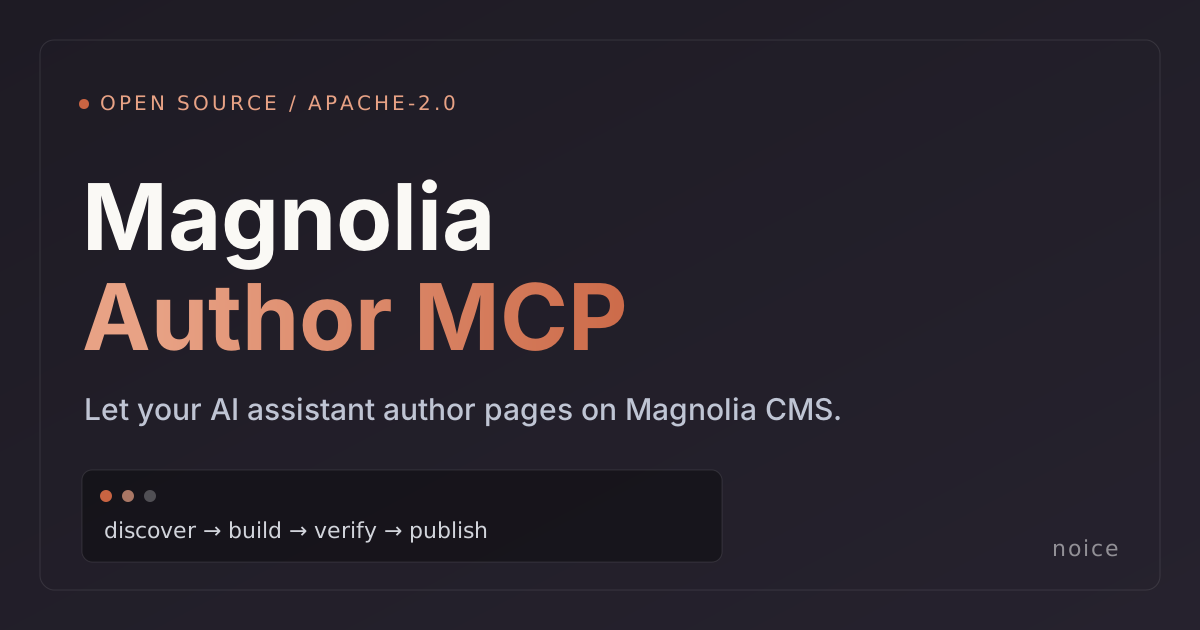
Today we are releasing the Magnolia Author MCP as free, open-source software under the Apache License 2.0. It lets an AI assistant such as Claude work directly inside your Magnolia CMS: creating and updating pages, checking how they look, and publishing, all from a plain-English request.
You can read the code, run it against your own sites, and contribute on GitHub.
Why we built it
We run a lot of Magnolia. As a Magnolia Platinum Partner, we spend our days building sites, moving content estates, and helping teams operate large Magnolia builds. A pattern kept repeating: AI assistants had become genuinely good at drafting and shaping content, but they could not safely act inside the CMS. So the most valuable and most repetitive work, actually creating and updating pages, still had to be done by hand.
The reason it was hard is simple. An assistant that does not really understand your site will guess, and a confident guess is exactly what you do not want touching a content management system. It can fill in the wrong details, point at images that do not exist, or produce a page that looks fine in a preview but breaks for real visitors. A change that appears to "save" is not the same as a page that actually works.
The Magnolia Author MCP exists to close that gap. ("MCP" is short for Model Context Protocol, an open standard that lets AI assistants use external tools in a controlled way.)
What it does
The tool gives an assistant a safe, structured way to work in Magnolia. In practice that means it can:
- Understand your site. It reads your live Magnolia instance to learn the page types, building blocks, and options you actually have, so it works with your setup straight away, with nothing to configure first.
- Get the details right. Content is saved in exactly the format your CMS expects, so pages come out correct instead of looking fine but breaking quietly later.
- Build whole pages at once. Create a complete page, every section included, in a single step, or make the same change across many pages together instead of editing them one at a time.
- Check its own work. After a change it looks at the real published page and flags broken images, missing content, and pages that load but show nothing, so problems surface before your visitors hit them.
The result is that a request like "build an events landing page with a banner and a row of cards, then publish it to staging" becomes something an assistant can carry out end to end, while a person still reviews and approves what ships.
Safe by default
Letting an AI assistant change a live website only works if the safety is real, so it is built in:
- Deletions preview exactly what they would remove, and can be undone.
- Every change is recorded, so there is always a clear trail of what happened.
- Anything that touches your production site requires an explicit sign-off first.
- Your logins are never exposed to the assistant.
These protections sit alongside, not instead of, sensible access controls in Magnolia. Together they let you give an assistant real authoring ability without handing over the keys to production.
Why open source
Two reasons. First, trust: a tool that can change your website should be one you can read and verify. Apache-2.0 means you can inspect it, run it, adapt it, and use it commercially with no licence fee and no account to sign up for. Second, the ecosystem: AI tooling is moving fast, and the best way to make Magnolia a first-class part of that world is to build in the open and let the community shape it.
Magnolia has since shipped its own official MCP Dev Server for developers, which is exactly the momentum we hoped to see. We wrote about how the two tools fit together: the Dev Server for building projects, the Author MCP for running content on live sites.
This is the same thinking behind our CMS migration tooling and our broader view that the next generation of CMS is generative. Authoring is simply the other half of that story: not just moving content in, but creating and maintaining it at speed.
Get started
If you run Magnolia, you can try it today. The full setup guide and documentation are on GitHub, and the product page covers what it does at a glance.
If you would like a hand putting it to work on your sites, or help with anything Magnolia, take a look at our Magnolia CMS services or get in touch. And if the project is useful to you, a star on GitHub is always appreciated.